
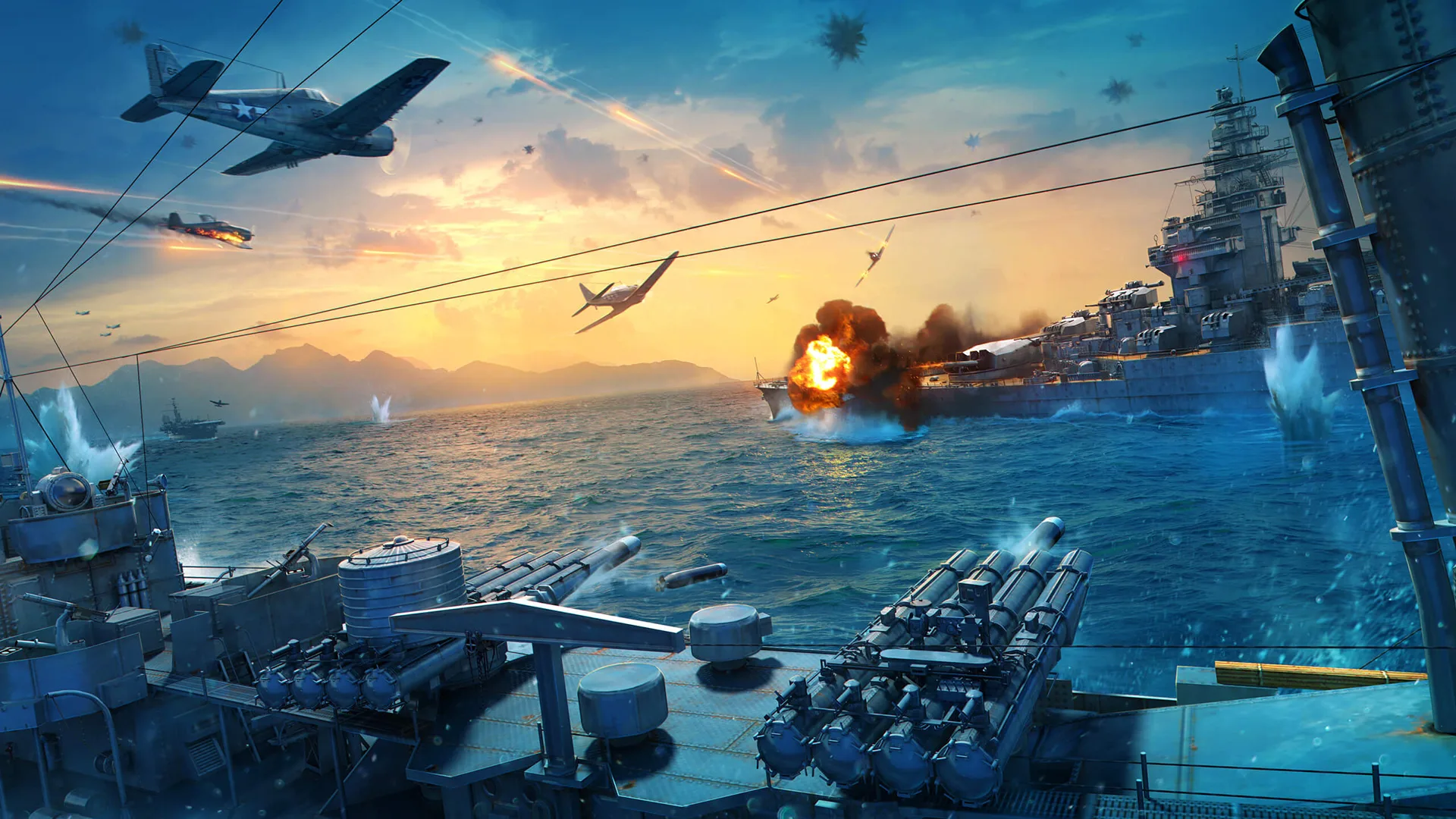
World of Warships mods range from tiny HUD tweaks to complete visual overhauls. The right set makes the game meaningfully easier to read — better crosshairs, clearer minimap, visible HP bars — without changing any game mechanics. Here are the best World of Warships mods available in 2026, and the safest way to install them.
Grab the latest World of Warships codes for free in-game rewards while you’re here, and World of Tanks codes if you play that too.
How to install mods safely
There are two official, Wargaming-maintained ways to get mods:
ModStation is the official Wargaming mod installer. Download it from mods.worldofwarships.com, run it, and it auto-detects your WoWs installation. Select mods from the curated list and install in one click. ModStation is the safest and simplest option — every mod in it has been checked by Wargaming.
Aslain’s WoWs ModPack is the most comprehensive third-party mod pack, containing 300+ mods that Aslain curates and updates regularly. Available at aslain.com. Larger selection than ModStation but can be overwhelming for first-time modders.
Important: Mods break on every game update. After each patch, check whether your mods have been updated before launching. If WoWs crashes with mods active, uninstall all mods first to isolate the issue.
The best World of Warships mods
1. Aslain’s ModPack for WoWs
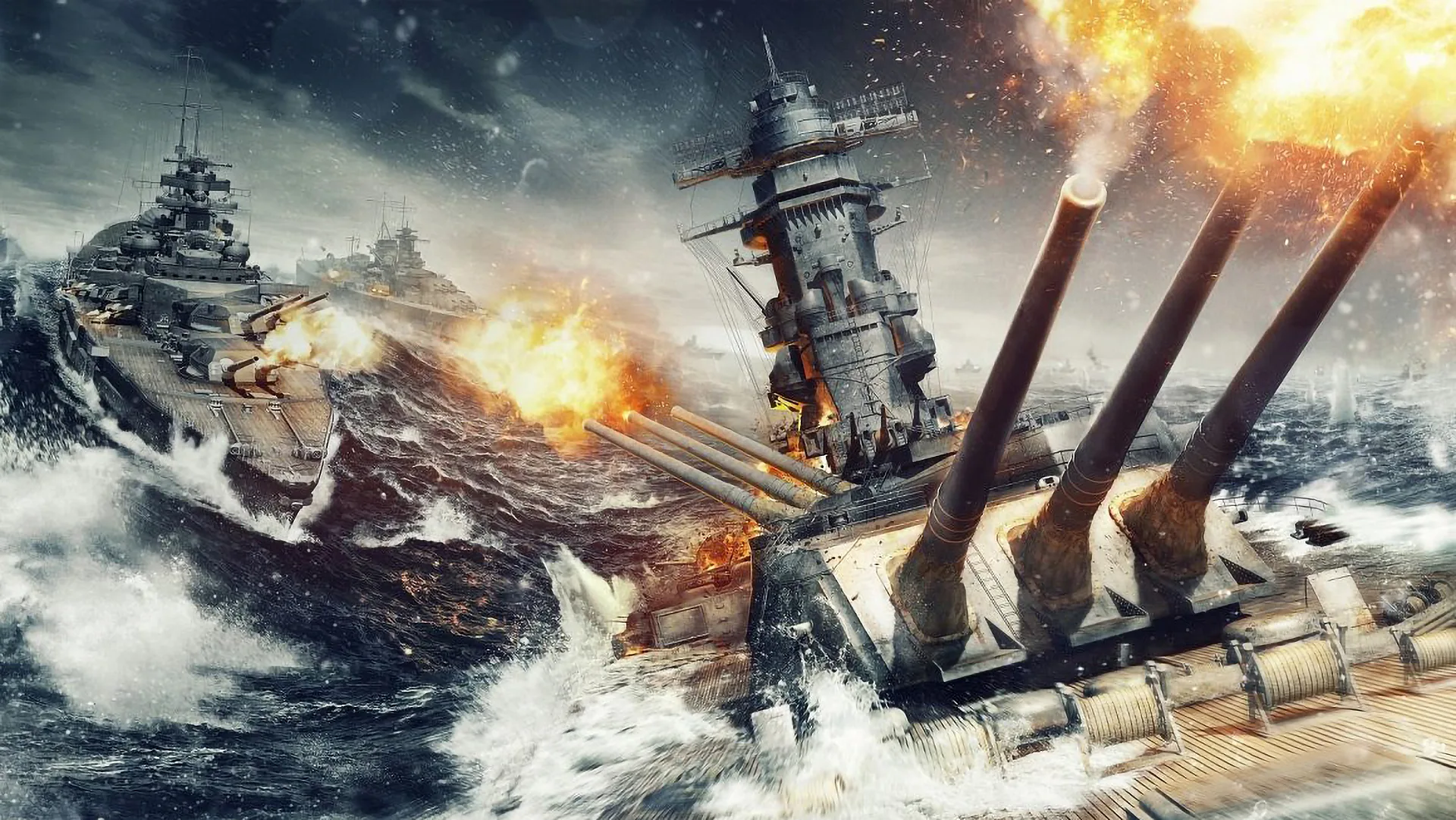
If you want one tool that gives you access to everything, Aslain’s ModPack is it. 300+ mods in a single installer — crosshairs, minimaps, ship skins, UI tweaks, sound packs, tracers, and more. Pick what you want from a categorised list and the installer handles the rest.
Aslain keeps it updated with each WoWs patch. If you’re serious about modding and want the full range of options, this is the go-to. If you just want a couple of specific improvements, ModStation is simpler.
2. Nomogram crosshair
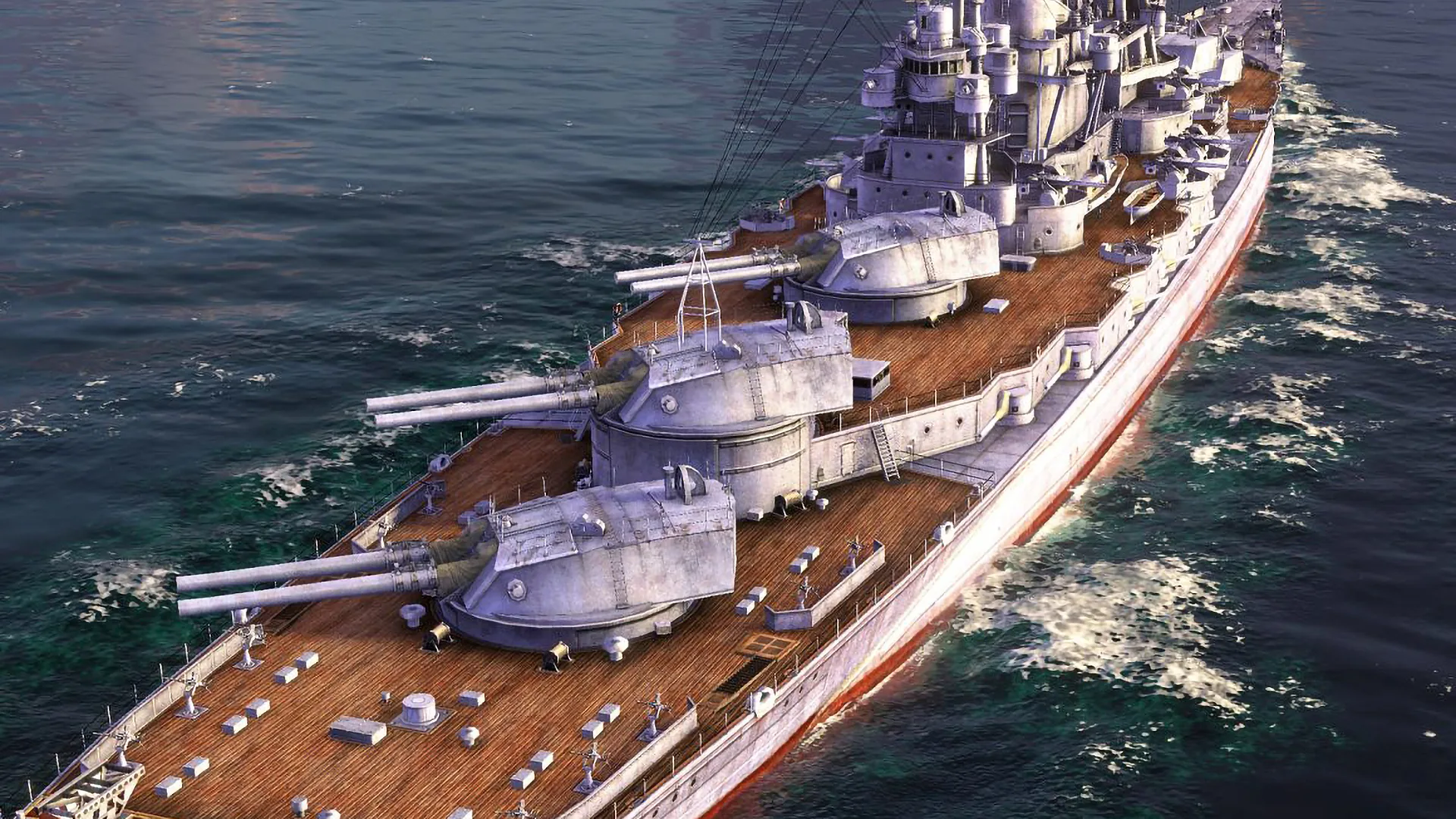
The vanilla WoWs crosshair is one of the most common complaints from new players — it’s cluttered and hard to read at a glance. The Nomogram crosshair replaces it with a clean, dynamic sight that scales with zoom level and includes a time-to-target indicator for accurate shell timing.
Available through Aslain’s ModPack (crosshair section) and the official Modhub. It’s one of the most downloaded mods in the game’s history and a near-universal recommendation from experienced players.
3. Fading transparent minimap
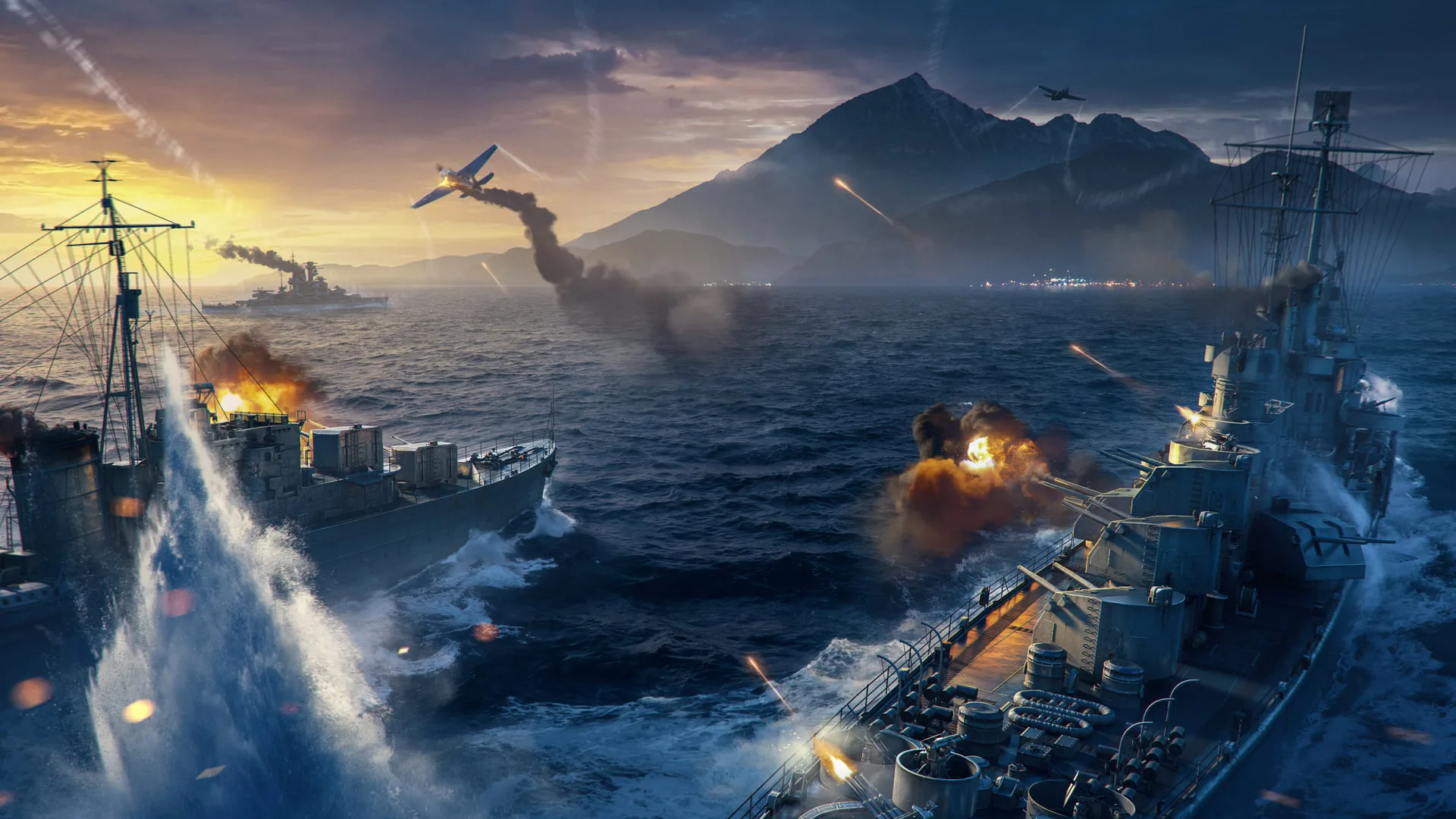
The standard minimap in WoWs is small and obscures gameplay. The Fading Transparent Minimap enlarges it and adds a translucent background so it doesn’t block your view of the action. You can customise the size and translucency level.
Particularly useful for destroyer play where reading the minimap in real time — tracking radar ship positions, watching cap contests, spotting flanks — is essential to staying alive. Also available in Aslain’s ModPack and on the official Modhub.
4. Session Statistics
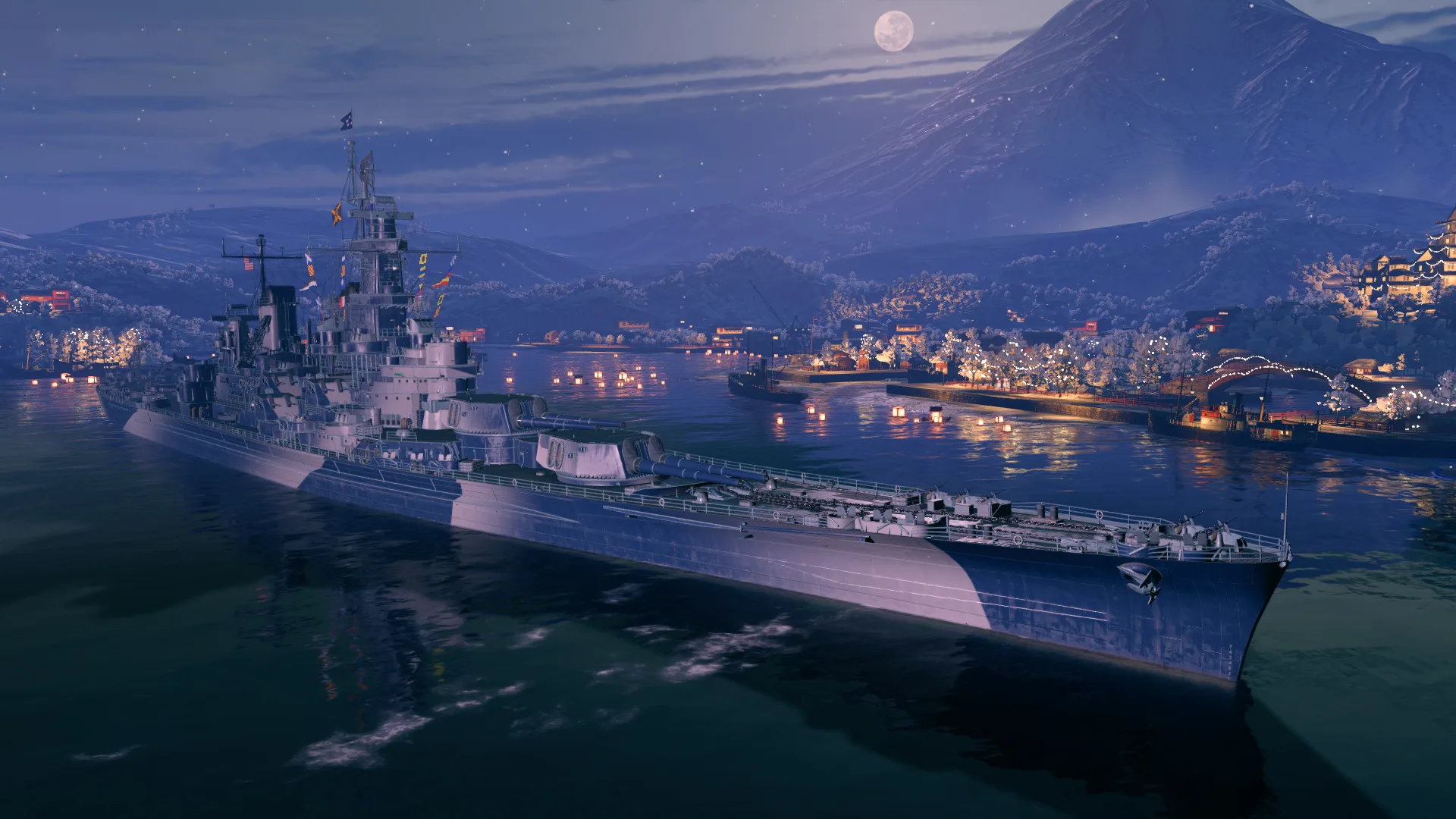
WoWs doesn’t surface per-session stats in-game without a mod. Session Statistics tracks your win rate, damage per battle, XP earned, and other performance metrics for the current play session. Useful for identifying trends — whether your win rate drops when you switch classes, or whether certain ships are performing better than others for you.
Also available in Aslain’s ModPack (statistics section).
5. Command Panels with HP
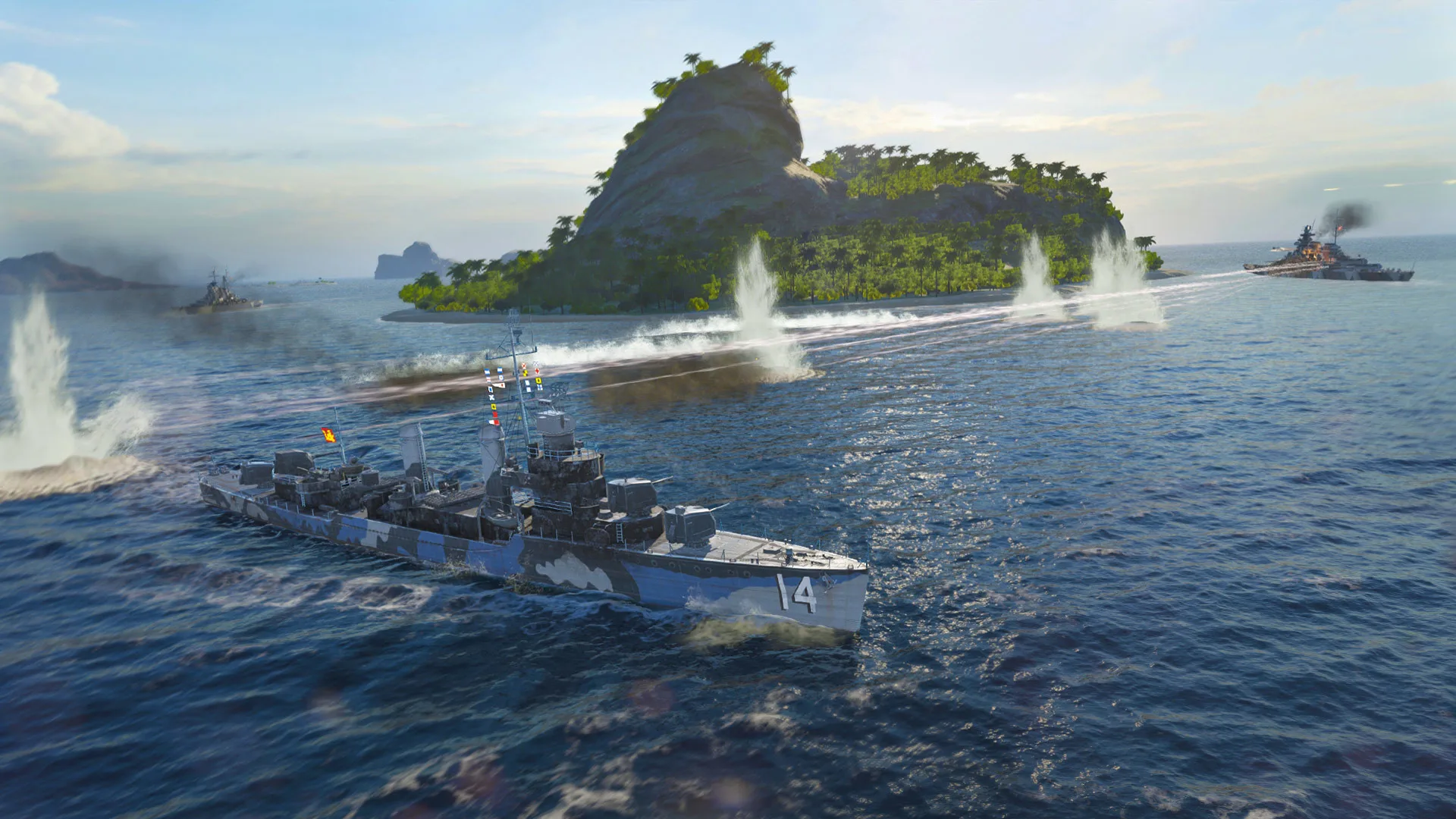
The Command Panels with HP mod adds persistent HP bars for your ship and nearby allies and enemies — no need to tab through the score panel mid-combat. Seeing enemy HP at a glance helps you prioritise targets: finish a low-HP ship first to remove it from the fight rather than spreading damage across full-health ships. Also available in Aslain’s ModPack and on the official Modhub.
6. Color Tracers

Color Tracers adds coloured trails to shells after you fire, making it much easier to see where your shots landed and adjust aim. Essential feedback for improving lead accuracy on moving targets. The default shell tracers are nearly invisible at range; this mod makes them clearly visible. Also available in Aslain’s ModPack.
7. Damage Direction Indicator
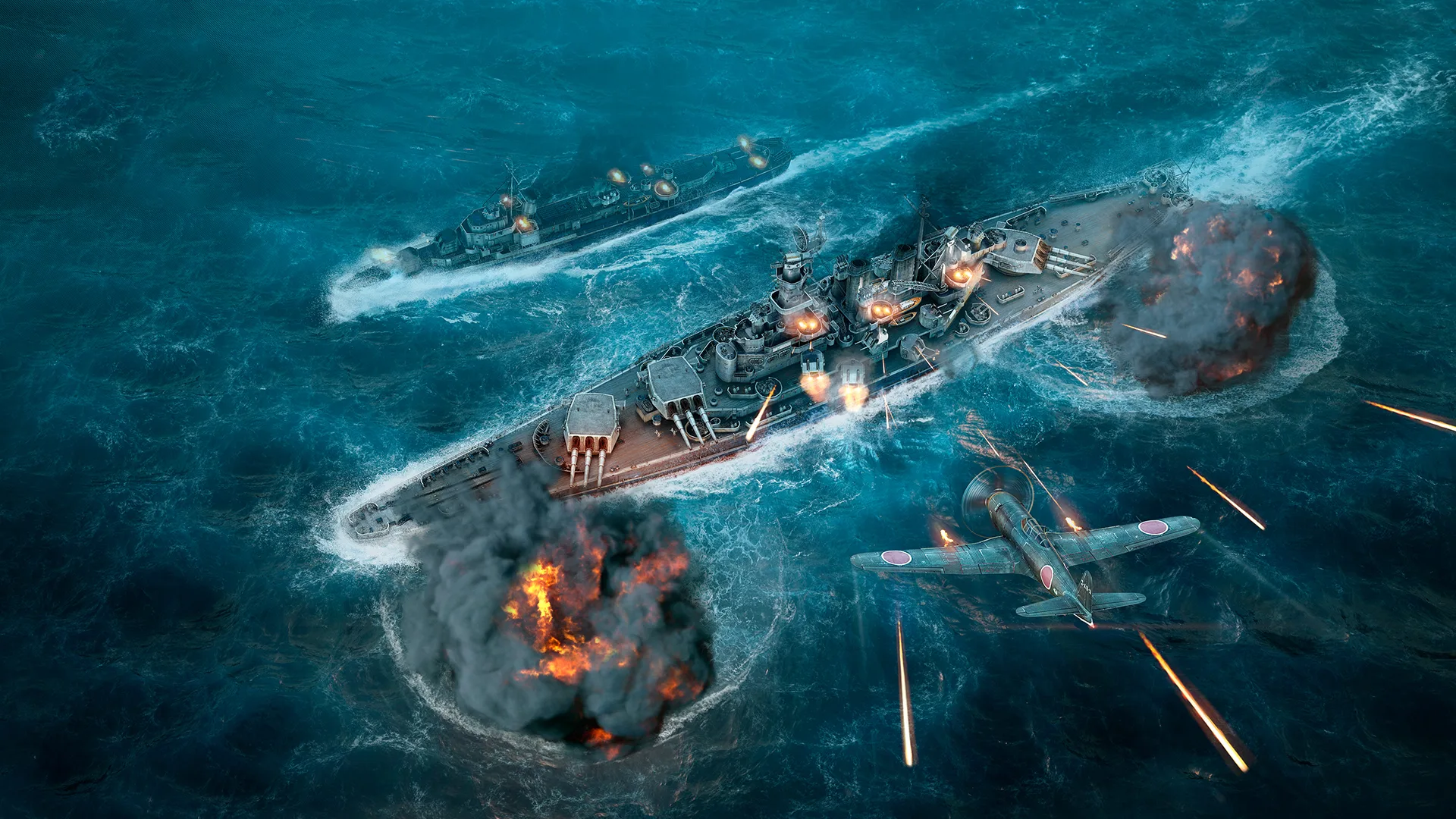
The default damage direction indicator is too faint to read reliably in a firefight. The Damage Direction Indicator makes it visibly brighter — when you’re being hit, you know immediately where the fire is coming from. A small change that makes a noticeable difference in chaotic multi-ship engagements. Also available in Aslain’s ModPack.
8. Wyvern’s Historical Skin Workshop
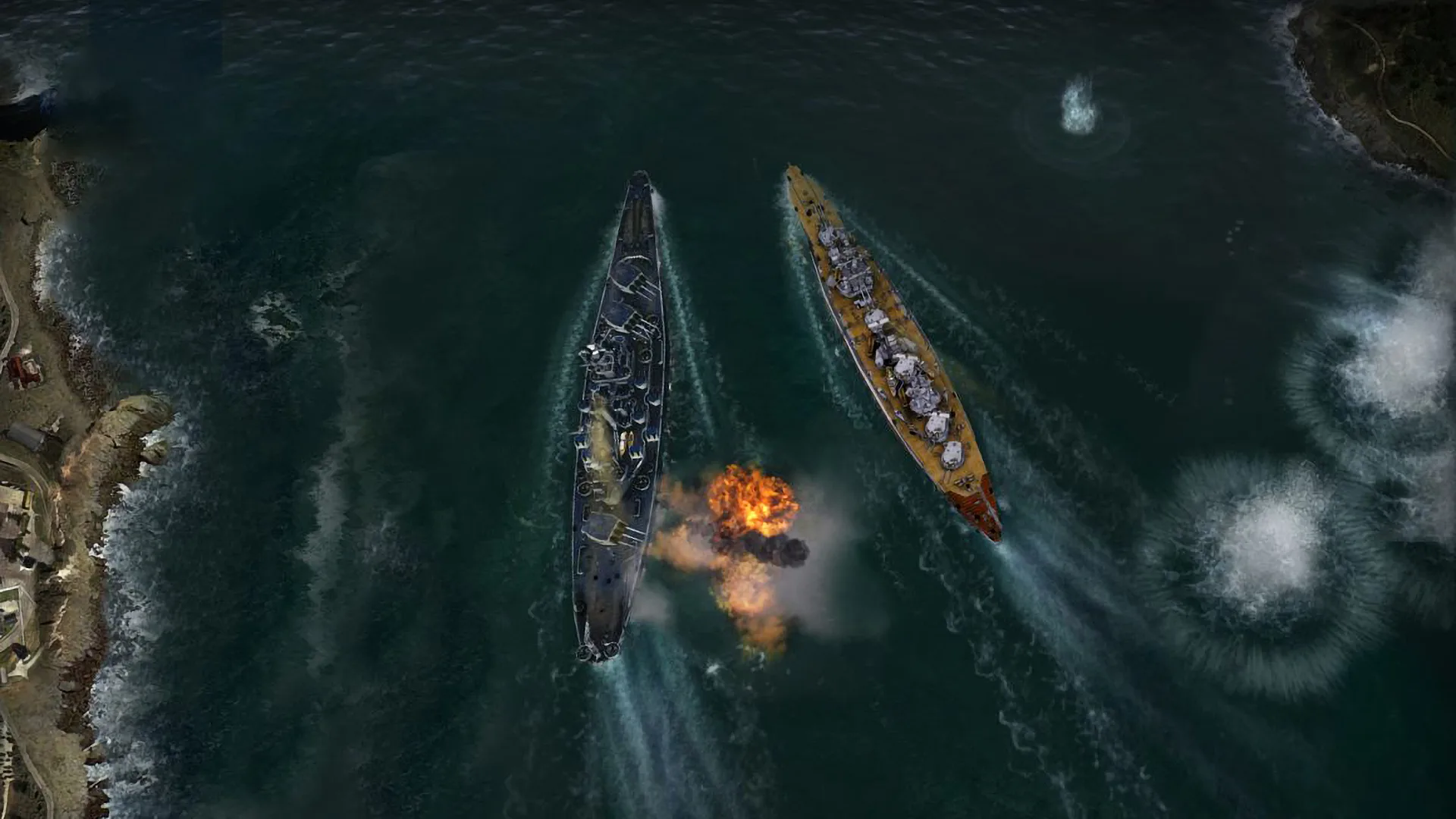
Wyvern’s Historical Skin Workshop reskins ships to their historical appearances — no more Wargaming’s stylised colours and markings, just accurately-reproduced warship liveries based on historical records.
Note that like all skin mods in WoWs, only you can see the custom skins. Also note that historically accurate doesn’t always mean visually better — some ships wore dull, pragmatic wartime schemes that don’t photograph as dramatically as the game’s default skins.
9. Anti Glare
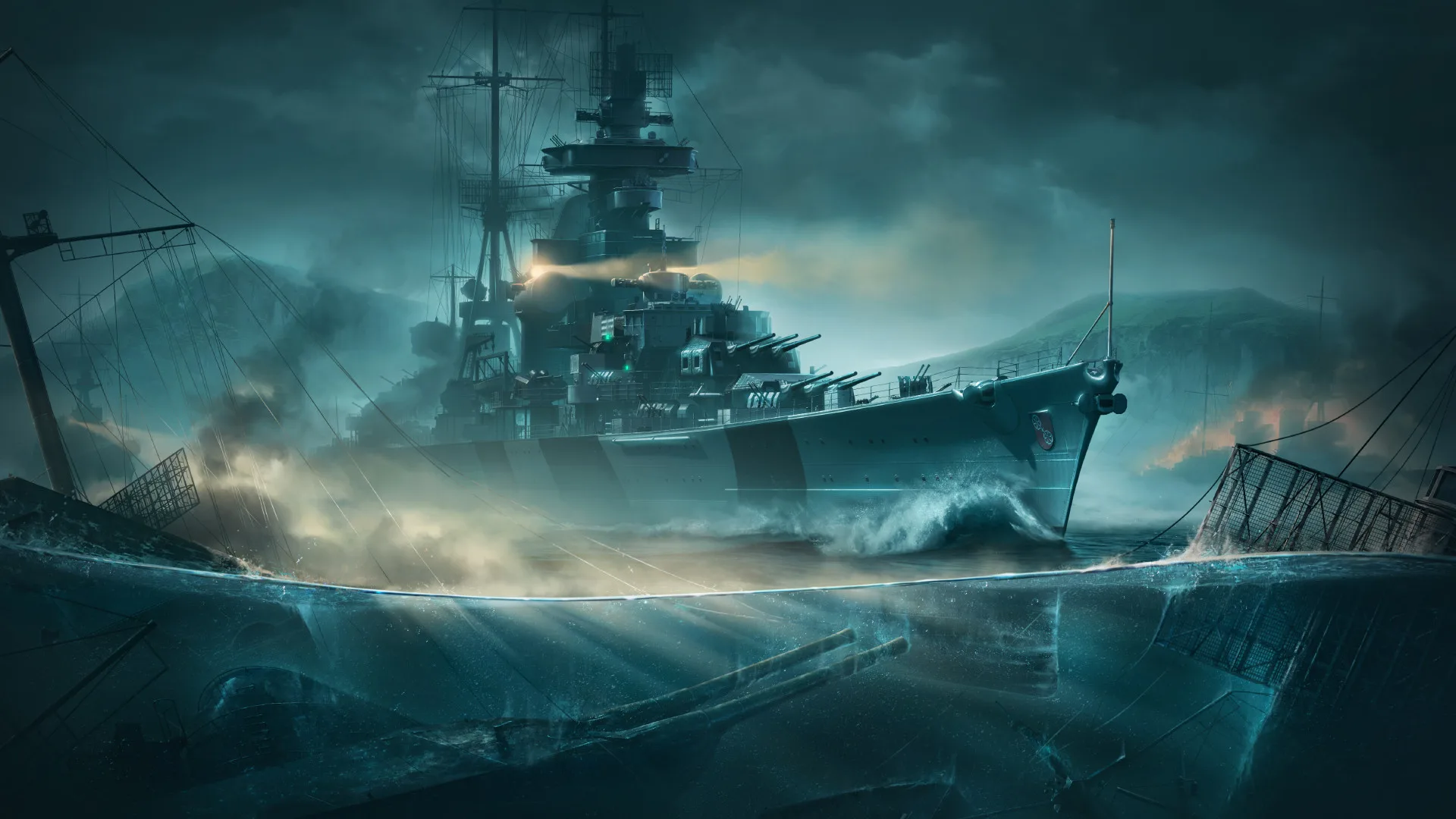
The Anti Glare mod reduces the water reflections and sun glare that can wash out visibility on bright sea conditions. Purely a comfort mod — better visibility of enemy ships against a bright horizon, especially useful in matches that start at sunrise or sunset. Also available in Aslain’s ModPack.
10. Traffic Light
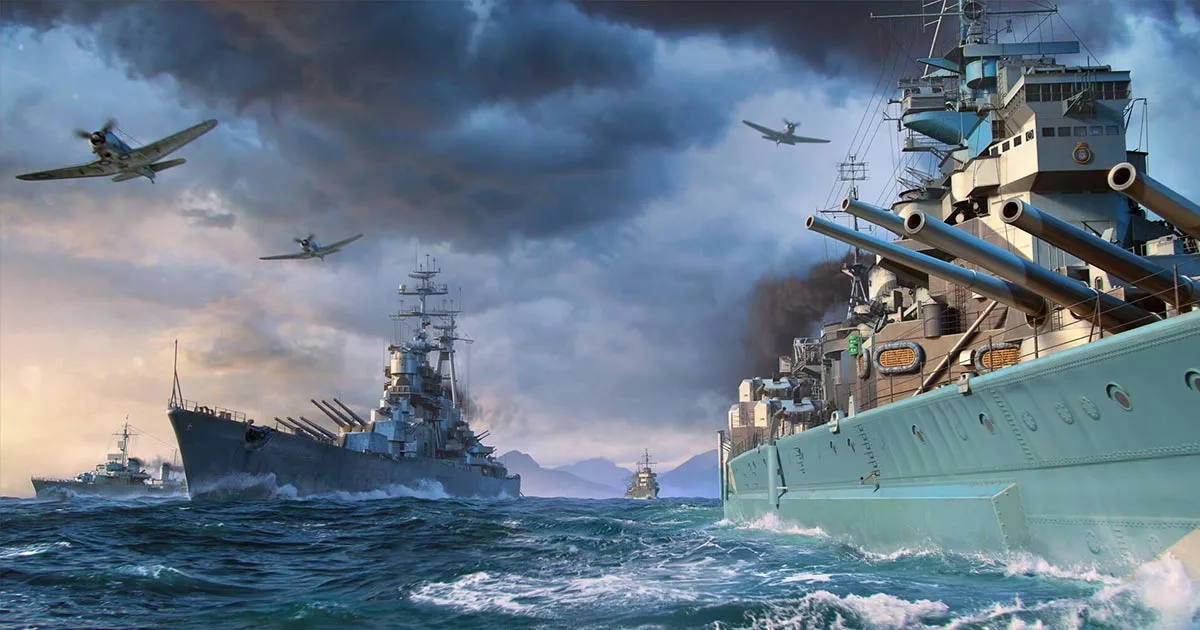
The Traffic Light mod adds a simple colour indicator to show whether nearby ships are moving forward (green), stationary (yellow), or reversing (red). Useful for torpedo lead estimation and tracking whether a target is accelerating into a predicted impact zone or stopping to dodge. Also available in Aslain’s ModPack.
Are World of Warships mods safe?
Yes, when used through ModStation or Aslain’s. Every mod in those two sources has been reviewed by Wargaming. Mods only change how game data is displayed on your client — they don’t change game mechanics, give you information you wouldn’t otherwise have, or interact with the game servers. They’re sanctioned by Wargaming and won’t result in account action.
What are the most essential mods for new players?
If you’re installing mods for the first time, start with three: the Nomogram crosshair (better aiming), an enlarged minimap (better map awareness), and HP bars (better target priority). These three have the most direct gameplay impact. Everything else is enhancement.
Do mods work after every update?
Not immediately. Mods break on each WoWs client update and need to be reinstalled with updated versions. Check Aslain’s or ModStation after every major patch before playing with mods active. Running outdated mods against a new client version is the leading cause of mod-related crashes.